
Resource Pack Management
In Legacy4J, the way resource packs are managed has been largely overhauled to bring similar functionality to the Texture Packs system used in the Legacy Console Edition.
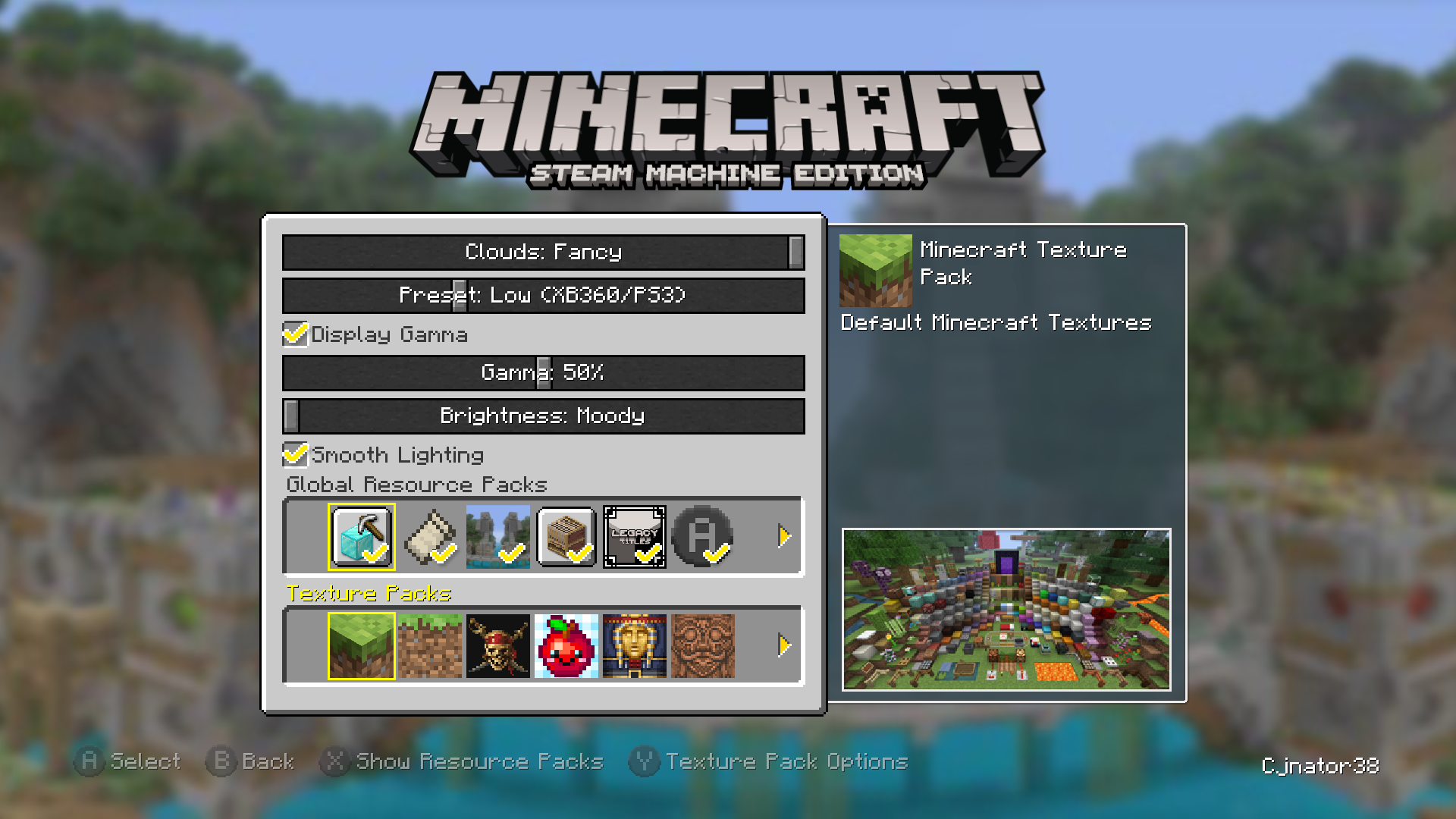 *Resource Albums are seen as "Texture Packs" on Re-Console+ and Simply Legacy (pictured)
Global Resource Packs
Global Resource Packs can be configured in a similar way as vanilla Resource Packs, but apply at the top (by default) of the overall resource pack order.
Resource Albums
Resource Albums are like groups of resource packs that can be applied at once. Albums can be applied per-world (like on LCE), or as the default pack for new worlds if applied in the Graphics options on the main menu. These can also be applied through a World Template.
Album Options
In Album Options, you can delete, edit and create new Resource Albums with a custom name and description.
For information on syntax of the resource_albums.json, see Resource Album Syntax
Ordering
If globalPack1/globalPack2 were applied in Global Resource Packs, and albumPack1/albumPack2 in the Resource Album, this would be the order of the applied Resource Packs:
globalPack1
globalPack2
albumPack1
albumPack2
However, if globalPack2 were to be applied above albumPack2 in the Resource Album, the new order would be this:
globalPack1
albumPack1
globalPack2
albumPack2